
We have released EasyYamlParser v1.0.0, a plugin for reading and writing YAML in Unreal Engine. It is now available on Epic Games Fab.
EasyYamlParser handles YAML with Blueprints (visual scripting) alone; no C++ code is required. Use it for configuration files, master data, and save data written in YAML.
Key Features
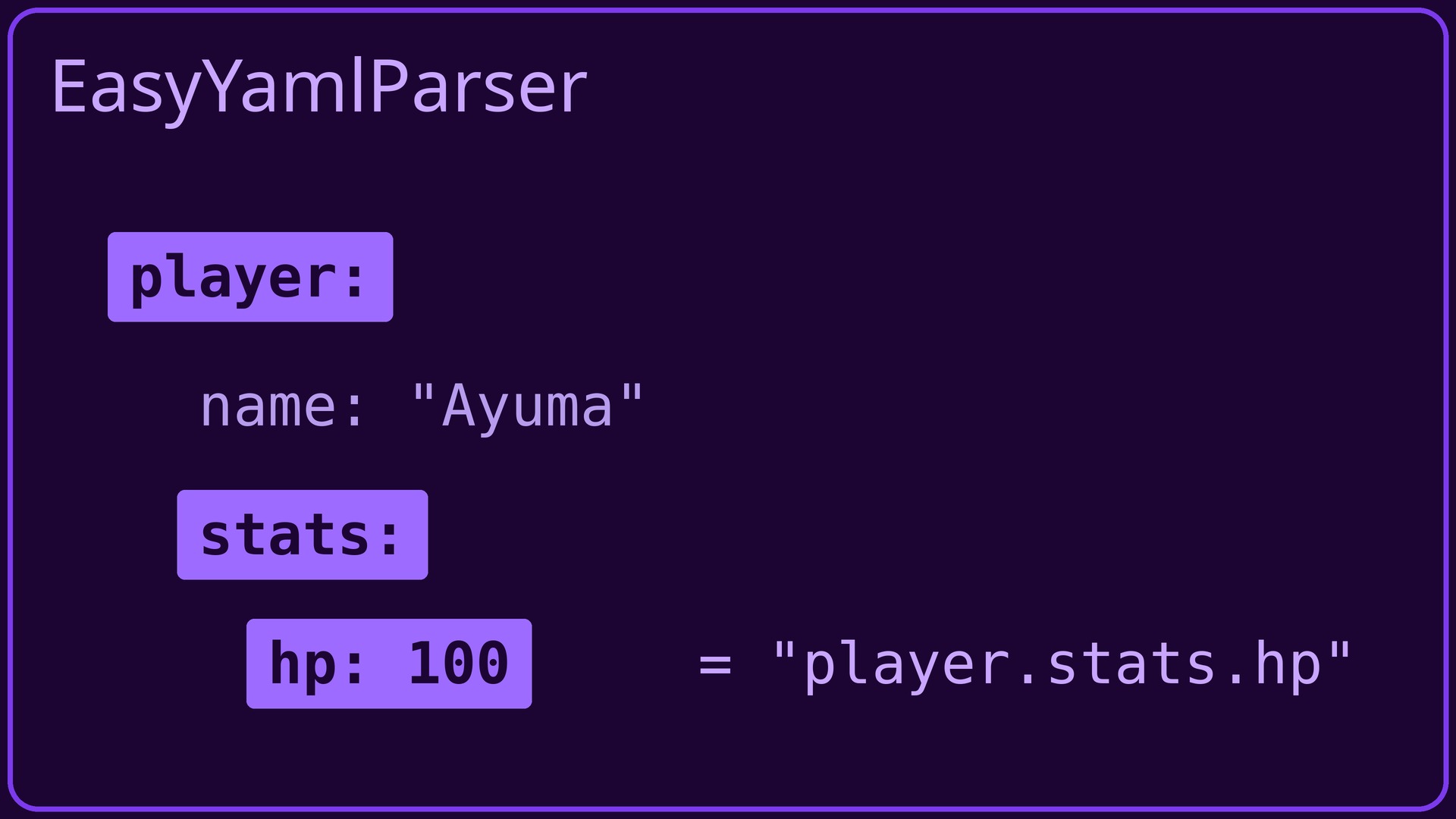
Dot-notation access strings
A value deep inside a YAML document is specified with a single string, such as player.stats.level. You do not have to walk through nested maps one level at a time.
Sequence elements are addressed with an index in [ ], as in items[0], and the brackets stack for multi-dimensional sequences. In the following YAML, player.name is Hero, player.level is 10, and matrix[1][2] is 6.
player:
  name: Hero
  level: 10
matrix:
  - [1, 2, 3]
  - [4, 5, 6]
When the path does not exist, the Read nodes return the Default Value you set instead of raising an error. This lets omitted keys in a configuration file fall back to default values.
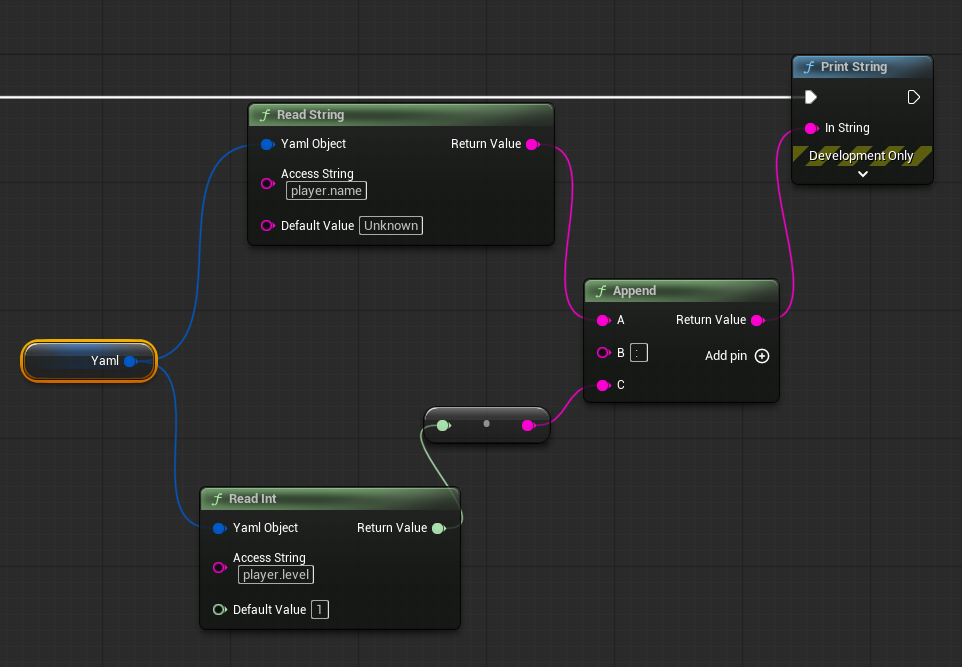
Reading and writing YAML
The plugin supports both loading (parsing) and emitting (creating) YAML. You can load a document, edit it, and save it back, or build a new document from scratch.
- Reading:
Read Int,Read Float,Read String, andRead Boolfor values, plusRead ObjectandRead Objectsfor maps - Loading:
Load Yaml From StringandLoad Yaml From File - Writing:
Create Empty Yaml Objectfollowed by the Write nodes. Missing maps and sequences along the path are created automatically - Saving:
Save Yaml To FileandYaml To String
Parse errors with line and column numbers
When parsing fails, the Error Message carries the line and column numbers of the syntax error, so you can locate the problem in the source text right away. The Error Code pin gives the failure category, such as a YAML syntax error or a missing file.
Available from Blueprint and C++
All nodes work from Blueprint. The same nodes are available from C++ as static functions of UEasyYamlBlueprintLibrary, and C++ adds TryReadStruct and TryWriteStruct for converting between a YAML document and a USTRUCT instance.
The same access strings as EasyJsonParser V2
EasyYamlParser uses the same access-string concept and node layout as EasyJsonParser V2. If you have used EasyJsonParser, you can work with YAML in the same way.
Notes
- YAML comments are not preserved across a load/save round trip.
- Loading is synchronous. Loading a large file blocks the game thread.
- Relative paths for reading and writing files are resolved against the project’s Content directory.
Supported environments
| Item | Support |
|---|---|
| Unreal Engine | 5.6 - 5.8 |
| Platforms | Windows, Mac, Linux, Android, iOS |
The YAML engine is bundled inside the plugin. No additional external libraries or project settings are required.
Getting started
- Add EasyYamlParser to your project from Fab and enable it in the Plugins window.
- Follow the Quick Start to load a YAML string, read values, and build new YAML.
- For configuration files, save data, and access strings for sequences, see the Use Cases.
Summary
EasyYamlParser v1.0.0 reads and writes YAML from Blueprint with dot-notation access strings, and reports parse errors with line and column numbers. It supports Unreal Engine 5.6 - 5.8 on Windows, Mac, Linux, Android, and iOS.
Documentation
- EasyYamlParser Overview
- Quick Start
- Setup
- Use Cases
- Blueprint API Reference
- Data Types and Production
Download
EasyYamlParser v1.0.0 is available on Epic Games Fab.
For plugin details, please visit the plugin page.
If you have questions or feedback, please contact us via the Support page.