This page explains how to add ObjectDeliverer to a project and verify that communication works.
Install the plugin
- From the Epic Games Launcher, install ObjectDeliverer for the Unreal Engine version you use, into the target Engine or project.
- Launch the Unreal Editor, search for ObjectDeliverer under Edit → Plugins, and enable it.
- Restart the Editor if you are asked to.
The plugin bundles the libraries required for communication. No additional software or C++ library build is needed.

Verify communication before purchase
Network communication requires both the sender and the receiver to use the same rules. If the rules do not match, communication fails.
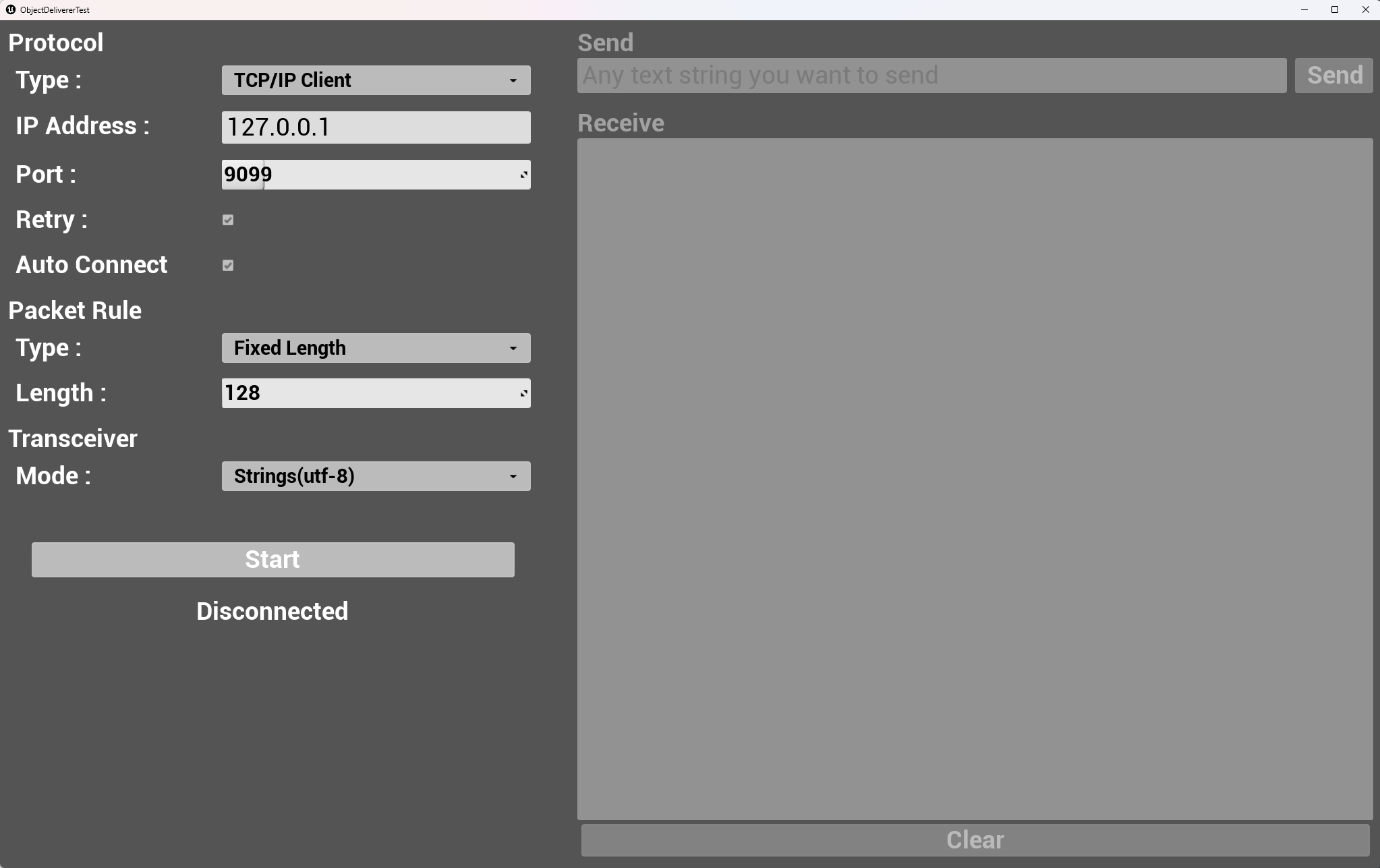
For this reason, we provide ObjectDeliverer Tester, an application that lets you try ObjectDeliverer communication before purchasing the plugin. Windows, Mac, and Linux builds are available on the download page.
The Tester app covers many ObjectDeliverer features (some features are not implemented yet). Use it to confirm that ObjectDeliverer can communicate with the applications or devices you want to connect to Unreal Engine.
Because the app itself is built with ObjectDeliverer, if the Tester app can communicate with your target, ObjectDeliverer most likely can as well.
The Tester app is implemented entirely in Blueprint, and those Blueprints are included in the plugin, so you can also review the implementation after purchase.
Open the bundled samples
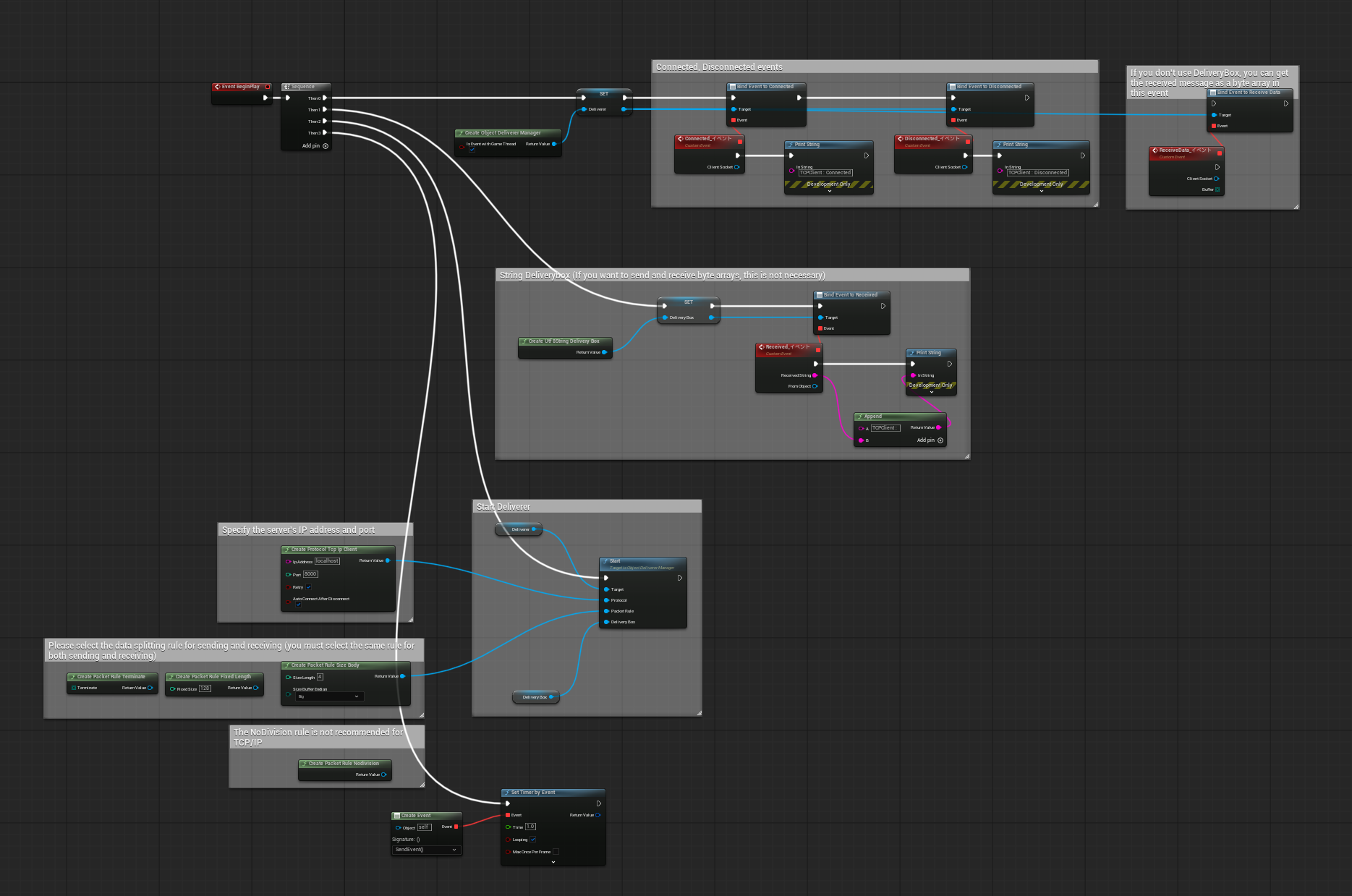
Starting with v1.8.0, the plugin includes implementation samples for each communication protocol.
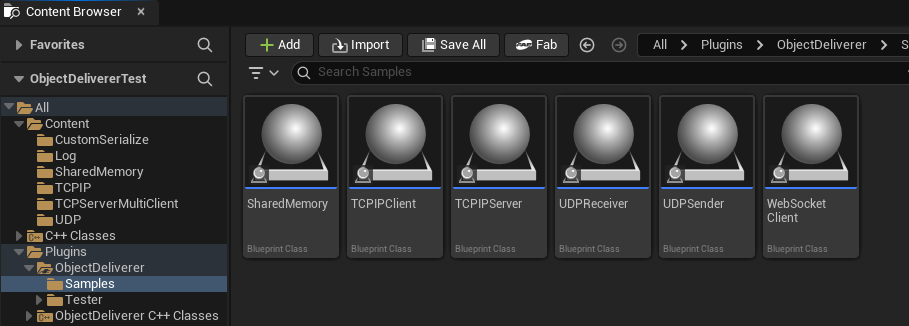
The samples live under /ObjectDeliverer/Samples/. Each protocol has one Actor containing a working Blueprint.
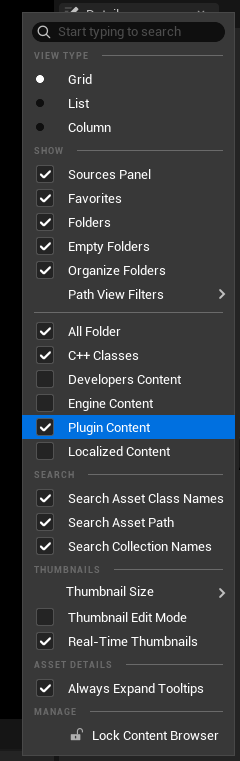
To show content included in the plugin, enable Plugin Content in the Content Browser settings (the gear icon on the filter bar).
Preparing to use TLS
To use TCP/IP with TLS (v1.9.0 and later), you need a server certificate file and a private key file. The following pages explain how to prepare them and choose options.
- TLS and mTLS in Data Formats and Production — the list of settings and the trust policy
- Creating certificates with OpenSSL commands (FAQ)
- Choosing TLS options (FAQ)
- TLSServerSample (GitHub) — a sample server that communicates with the ObjectDeliverer TLS client
Next steps
- Run a TCP/IP communication to completion with the Tester app in the Quick Start.
- Check node inputs and outputs in the Blueprint API Reference.