OmniGRPC v1.0.0 Released: gRPC Communication from Unreal Engine 5 Blueprints
Table of Contents
We have released OmniGRPC v1.0.0, a gRPC plugin for Unreal Engine 5.
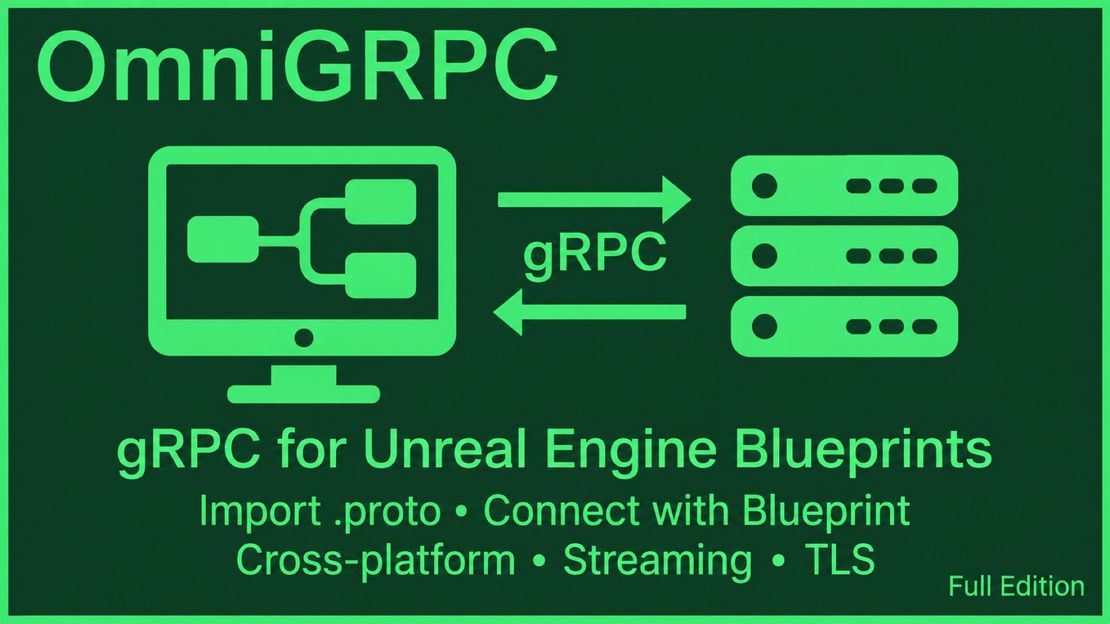
OmniGRPC lets you call gRPC servers from Blueprint simply by importing a .proto file into the Content Browser. You do not need to generate C++ code, run protoc, or rebuild your game code whenever the schema changes.
Key Features
Generate Blueprint assets from .proto files
Drag a .proto file into the Content Browser, and OmniGRPC generates a User Defined Struct for each message, a User Defined Enum for each enum, and a Service Asset for each service.
Assets are generated under /Game/OmniGrpcGenerated/. In Blueprint, you use the generated Structs as Requests and Responses, and choose the Method to call from the Service Asset.
Four RPC types
You can use all four gRPC communication types from Blueprint: Unary, Server Streaming, Client Streaming, and Bidi Streaming.
Call gRPC Unary: send data once and receive the result onceCall gRPC Server Streaming: receive multiple messages for a single RequestCall gRPC Client Streaming: send multiple messages and receive the result at the endCall gRPC Bidi Streaming: keep sending and receiving at the same time
Beyond simple request/response calls, you can implement progress displays, continuous list reception, chunked uploads, chat, remote control, and other bidirectional use cases with the same Blueprint approach.
The same Blueprint on five platforms
In the Full Edition, you can use the same .proto files, generated assets, and Blueprints on Windows (Win64), Linux, macOS (Apple Silicon and Intel), Android, and iOS.
You do not need to rewrite your communication logic for each platform. For mobile, add the settings each OS requires, such as the Android internet permission and the iOS network settings.
Secure and reliable communication
OmniGRPC supports TLS/mTLS encryption, access token authentication, Metadata, timeouts, cancellation, automatic retries, connection state checks, compression, and load balancing.
It also supports generating Service Assets from Server Reflection and calling gRPC Health Checks. Both are Full Edition features.
Free Edition and Full Edition
OmniGRPC is available in a free Free Edition and a Full Edition that provides every feature.
| Feature | Free Edition | Full Edition |
|---|---|---|
Importing .proto files and generating assets | ○ | ○ |
| Unary RPC | ○ | ○ |
| TLS/mTLS, access tokens, and Metadata | ○ | ○ |
| Timeouts, cancellation, and automatic retries | ○ | ○ |
| Server Streaming / Client Streaming / Bidi Streaming | − | ○ |
| Importing with Server Reflection | − | ○ |
| Health Check | − | ○ |
| Supported platforms | Windows | Windows / Linux / macOS / Android / iOS |
The Free Edition lets you try Unary RPCs on Windows (Win64) and use them at production quality. It is generally not covered by technical support; if you need support, please use the Full Edition.
Projects created with the Free Edition can be migrated to the Full Edition as-is. Generated Structs, Enums, Service Assets, and Blueprint node names are the same in both editions.
Supported environments
| Item | Support |
|---|---|
| Unreal Engine | 5.6 / 5.7 / 5.8 |
| Windows | Win64 |
| Linux | x86-64 (Full Edition) |
| macOS | Apple Silicon (arm64), Intel Mac (x86_64) (Full Edition) |
| Mobile | Android / iOS (Full Edition) |
| RPC | Unary / Server Streaming / Client Streaming / Bidi Streaming |
Choose the Fab package that matches the Unreal Engine version you use.
Getting started
- Add the OmniGRPC package for your Unreal Engine version to your project from the Fab store.
- Follow the Quick Start to send your first Login call to the sample server.
- To use your own
.protofile, see Setup and Asset Generation for asset generation and Method selection.
The sample server is available from the OmniGRPC Sample Server Download page. Packages are provided for Windows, macOS, and Linux.
Summary
OmniGRPC v1.0.0 lets you handle gRPC communication from Unary through Bidi Streaming using only assets generated from .proto files and Blueprint. You can start with the Free Edition on Windows for Unary RPCs and move to the Full Edition when you need more.
Follow the Quick Start to try communication with the sample server.
Documentation
The OmniGRPC documentation covers the following topics.
- OmniGRPC Overview
- Quick Start
- Setup and Asset Generation
- Use Case Guides
- Blueprint API Reference
- Data Types and Production Settings
Download
OmniGRPC v1.0.0 is available on Epic Games Fab.
For plugin details, see the plugin page.
If you have questions or feedback, please contact us via the Support page.
Follow @AyumaxSoft on X to get the latest updates from AyuMaxSoft as soon as they are available.